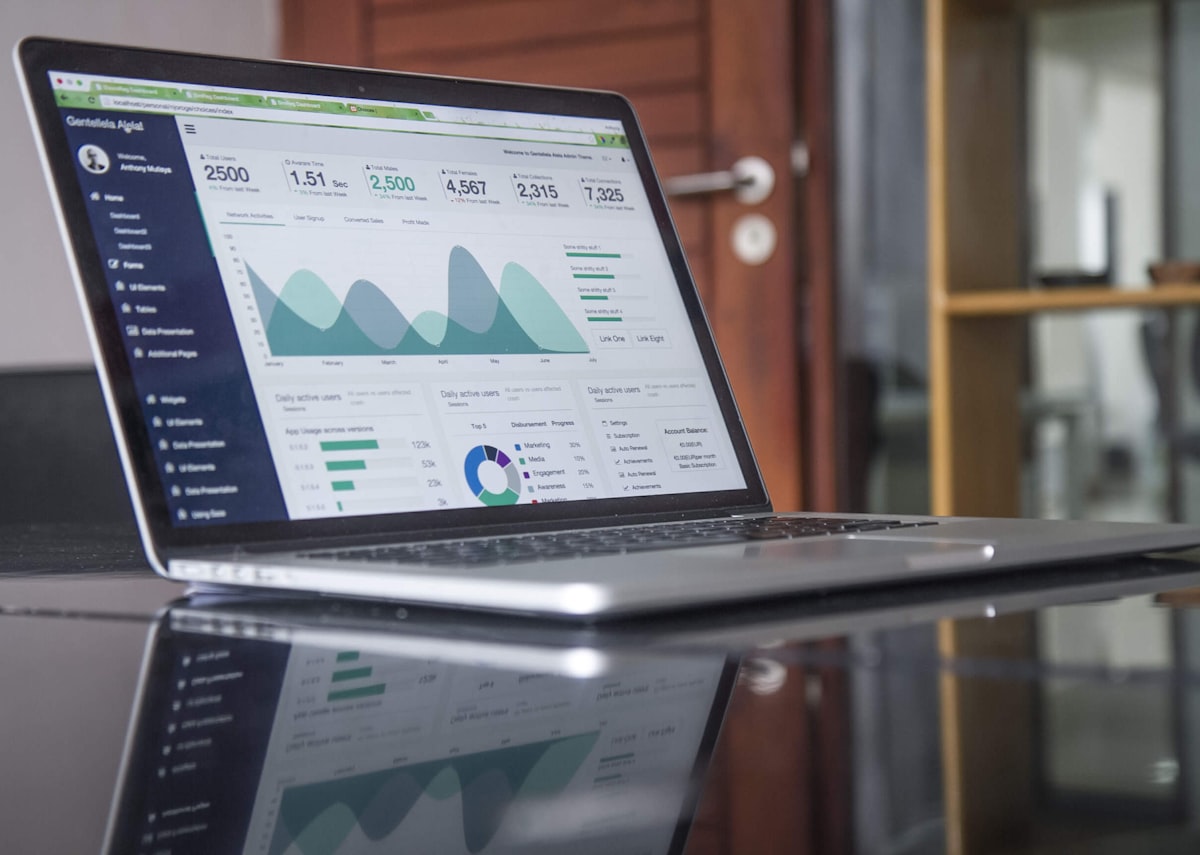




Every link you share is a missed opportunity — unless you track it. In 2026, link analytics is no longer optional for marketers, creators, and businesses. With yLink.pro, every short link becomes a data-rich asset that tells you exactly who clicked, where they are, and what device they used.
Why Link Analytics Matters
Without analytics, your marketing is guesswork. You spend money on ads, post content across platforms, and send email campaigns — but which actually drives results? Link analytics answers this definitively.
- Attribution — Know exactly which channel brought each click
- Optimization — Double down on what works, cut what doesn't
- Timing — Discover when your audience is most active
- Geography — Find where your customers actually are
- Devices — Optimize for your real audience (mobile vs desktop)
What yLink.pro Tracks (For Free)
Real-Time Click Counter
See clicks the moment they happen. Launch a campaign and watch results flow in immediately — no 24-hour reporting delay like Google Analytics.
Geographic Breakdown
Country, city, and region data for every single click. Visualize your audience on a world map. Discover untapped markets you didn't know existed.
Device & Browser Intelligence
Know if your audience is on iPhone, Android, Windows, or Mac. See browser distribution. Make informed decisions about where to optimize your landing pages.
Referrer Tracking
See exactly where each click originated — social media, email, search engines, direct, or other websites. No UTM parameters needed.
Time-Based Patterns
Hourly and daily graphs reveal when your audience engages most. Schedule posts and ads during peak windows for maximum impact.

How to Set Up Tracking in 60 Seconds
- Sign up at ylink.pro (free)
- Paste your long URL and shorten it
- Share the short link anywhere
- Check your dashboard — analytics appear instantly
Pro Strategies
One Link Per Channel
Create separate short links for each platform: ylink.pro/ig-sale, ylink.pro/tg-sale, ylink.pro/email-sale. All point to the same page, but now you know exactly which channel performs best.
Campaign Grouping
Group related links into Campaigns for aggregated reporting. See total performance across all channels for a single marketing initiative.
Time-Based Posting
Use time analytics to discover your audience's peak hours. Post content and launch ads during these windows for 20-40% more engagement.
Start tracking every click today → ylink.pro — it's free.
Start Shortening Links & Creating QR Codes for Free
Join 7,900+ users on yLink.pro. Create your free account in 30 seconds. No credit card required.